
How to Create a Tax Invoice in Australia
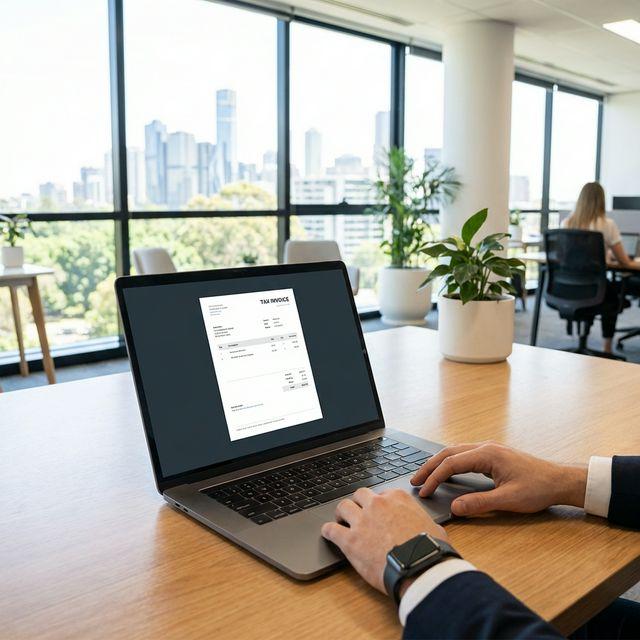
If you're running a business in Australia and registered for GST, issuing tax invoices correctly is crucial for both compliance and getting paid on time. This guide walks you through everything you need to know to create ATO-compliant tax invoices.
What is a Tax Invoice?
A tax invoice is a document issued by a GST-registered business that shows the GST included in the sale. It's different from a regular invoice or receipt—it must meet specific requirements set by the Australian Taxation Office (ATO) to allow the buyer to claim GST credits.
Regular invoices can be simpler, but if your customer needs to claim back the GST they paid, they must have a valid tax invoice from you.
7 Required Fields for a Tax Invoice
According to the ATO, a valid tax invoice must include the following information:
- The words "Tax Invoice" clearly stated at the top
- Seller's identity (your name or business name)
- Seller's ABN (Australian Business Number)
- Date of issue of the invoice
- Description of the items or services sold
- GST amount (or statement that the total includes GST)
- Total price including GST
For sales over $1,000 (including GST), you must also include the buyer's identity or ABN.
When Do You Need a Tax Invoice?
You must provide a tax invoice to your customer within 28 days of their request if the sale is $82.50 (including GST) or more. Below this amount, you can issue a simpler receipt.
Only GST-registered businesses can issue tax invoices. If you're not registered for GST, you should not include GST in your prices or call your invoices "tax invoices."
Step-by-Step Guide
- Set up your business details: Make sure you have your ABN, business name, address, and contact details ready.
- Add customer information: Include your customer's name and, for invoices over $1,000, their ABN.
- List your items or services: Describe what you're charging for clearly.
- Calculate GST: If your total is $1,100 (GST inclusive), the GST portion is $100. Formula: GST = Total ÷ 11.
- Add payment terms: Specify due date (e.g., "Payment due within 14 days").
- Send the invoice: Email or print your tax invoice and send it to your customer.
Common Mistakes to Avoid
- Forgetting to include your ABN
- Not stating "Tax Invoice" clearly
- Incorrect GST calculation (remember: GST = Total ÷ 11)
- Missing customer ABN on high-value invoices (>$1,000)
- Not keeping sequential invoice numbering for record-keeping
Ready to create your first tax invoice?
BillMate automatically includes all required fields and calculates GST for you.
Create Tax Invoice in 30 Seconds